Auto-blend photographs in Photoshop
If you have Photoshop CS3 you can automatically merge two different photographs to create a new one, with Photoshop doing all of the hard work for you.
Two different photos 
I have two different Creative Commons licensed photos from Flickr. The first is After the Rain by Julie La France .
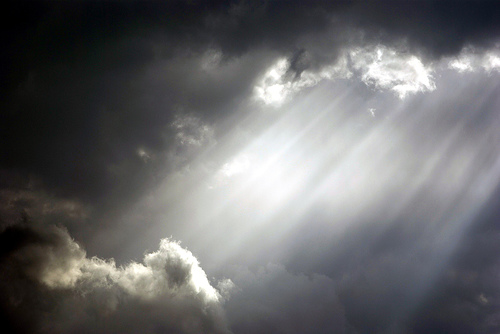
The second is St Paul’s Kirche by Joachim S. Muller
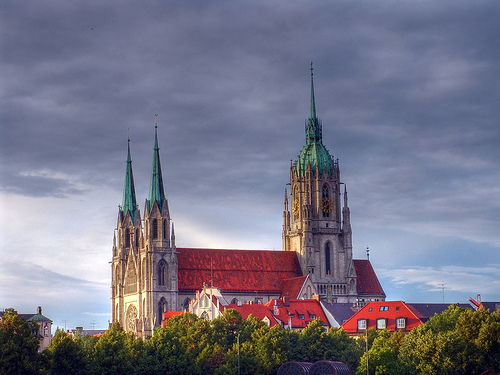
Combining the two 
First lets open Julie’s photo. For this to work it needs to be on a transparent background. If you look in the layers panel you will see it is a Background layer at the moment. So double click the layer and click ok. This turns it into a normal layer with a transparent background. Then we want to enlarge the canvas so the second image can fit. Go to Image > Canvas Size and double the height. Then open the second image and drag it in. You should have something like this.
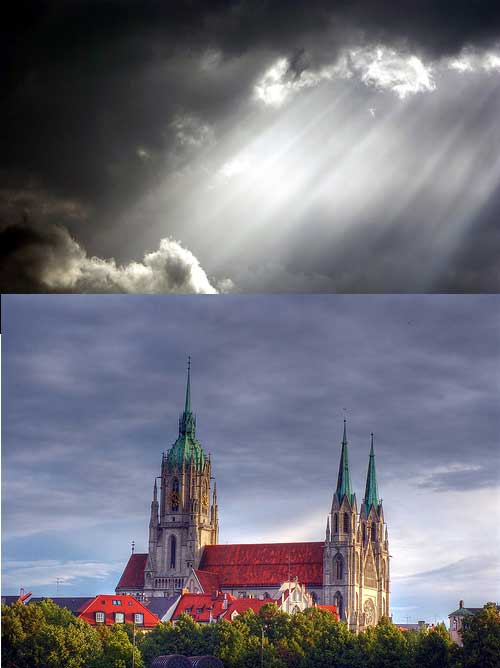
On the layer you have just pasted in lower the opacity by hitting four on the keyboard. You can now position your second image. Once you are done crop off the extra space using the crop tool.
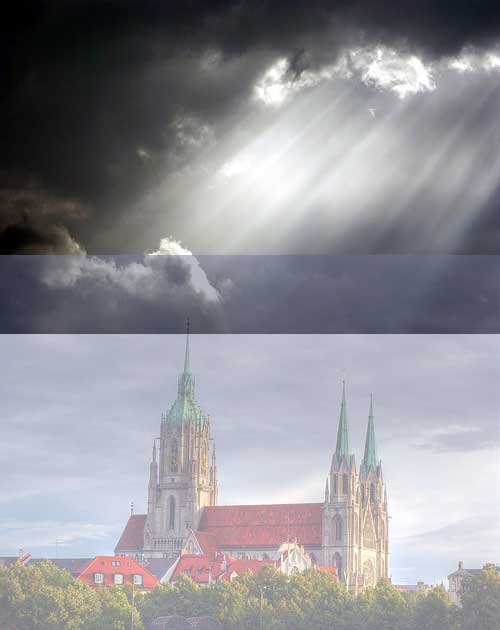
Then bring the opacity back to 100% by hitting 0. Then in the layers palette hold shift and select both layers. Make sure the background to both is blue showing it is selected. Then go to Edit > Auto-Blend Layers. Photoshop does some magic and you have blended your images.
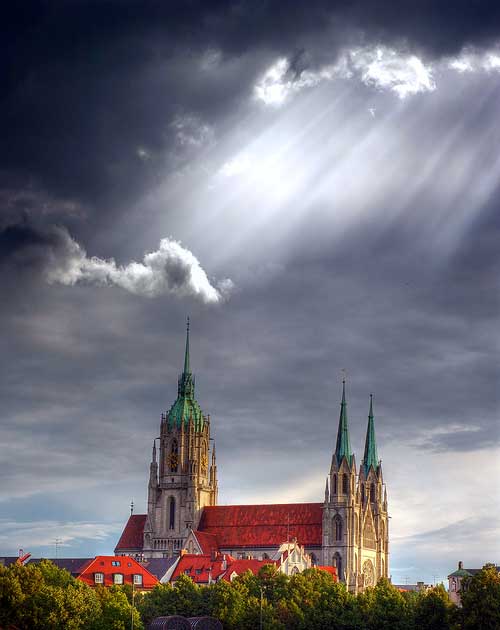
As a side note for anyone in the UK I can throughly recommend The Genius of Photography. The first episode was brilliant!
Tags
Can you help make this article better? You can edit it here and send me a pull request.
See Also
-
Creating backgrounds with Patterns in Photoshop
Often designs need a background to fill space behind navigation or other page elements. Here one way to create them. -
Colour sampling outside Photoshop
Here a simple tip that will save time if you need to sample colours from outside Photoshop for use in your artwork. -
Easy image sharpening in Photoshop
Here's a simple tip I picked up to quickly sharpen images in Photoshop using the High Pass Filter.