Illustrator 101 - The Twirl Tool
The twirl tool is a great tool that can make complex and eye-catching objects in no time. Here's one way to use it.
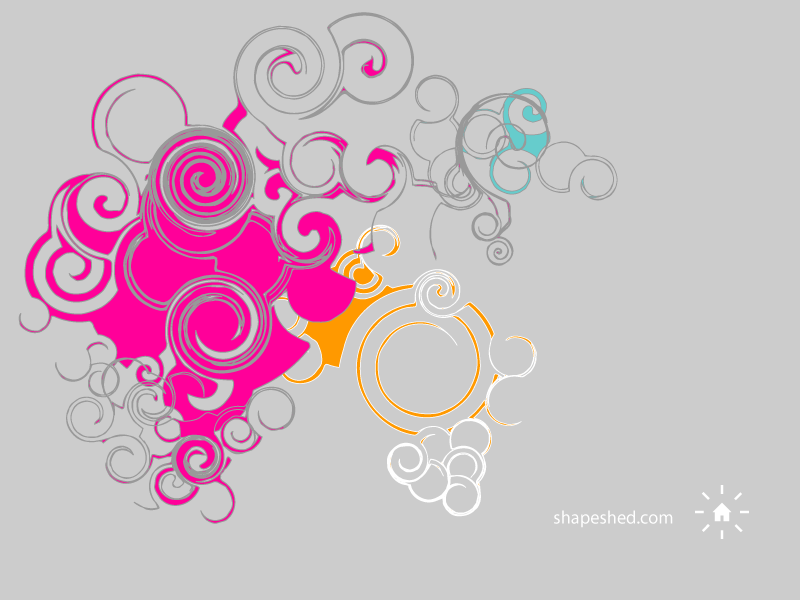
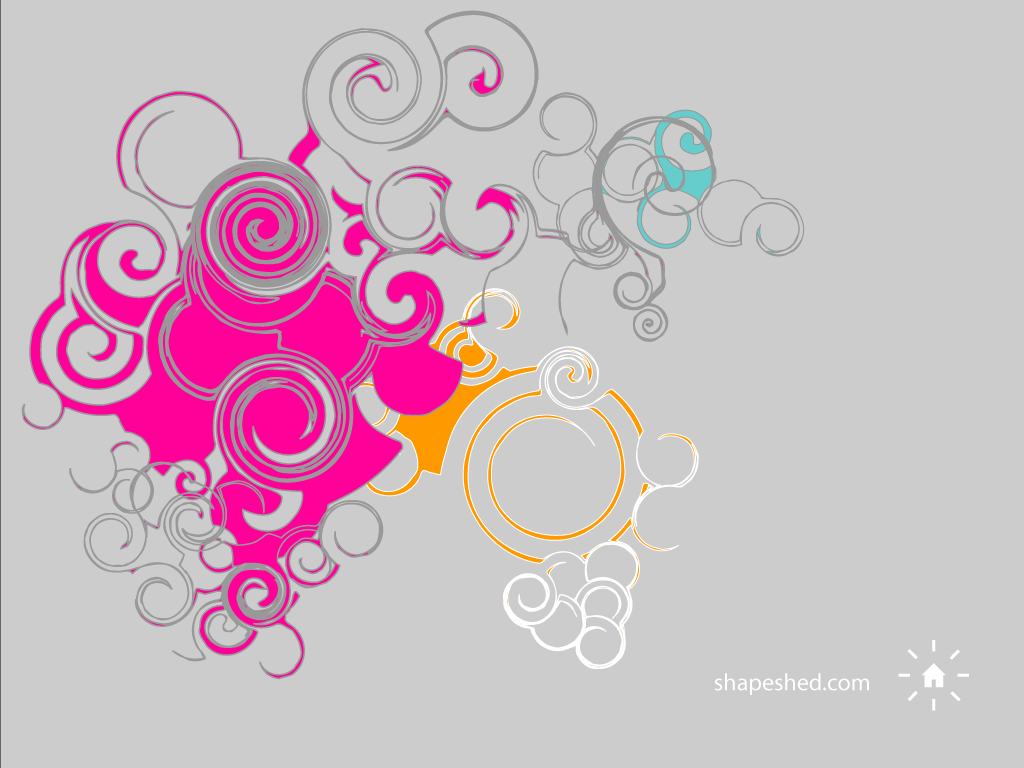
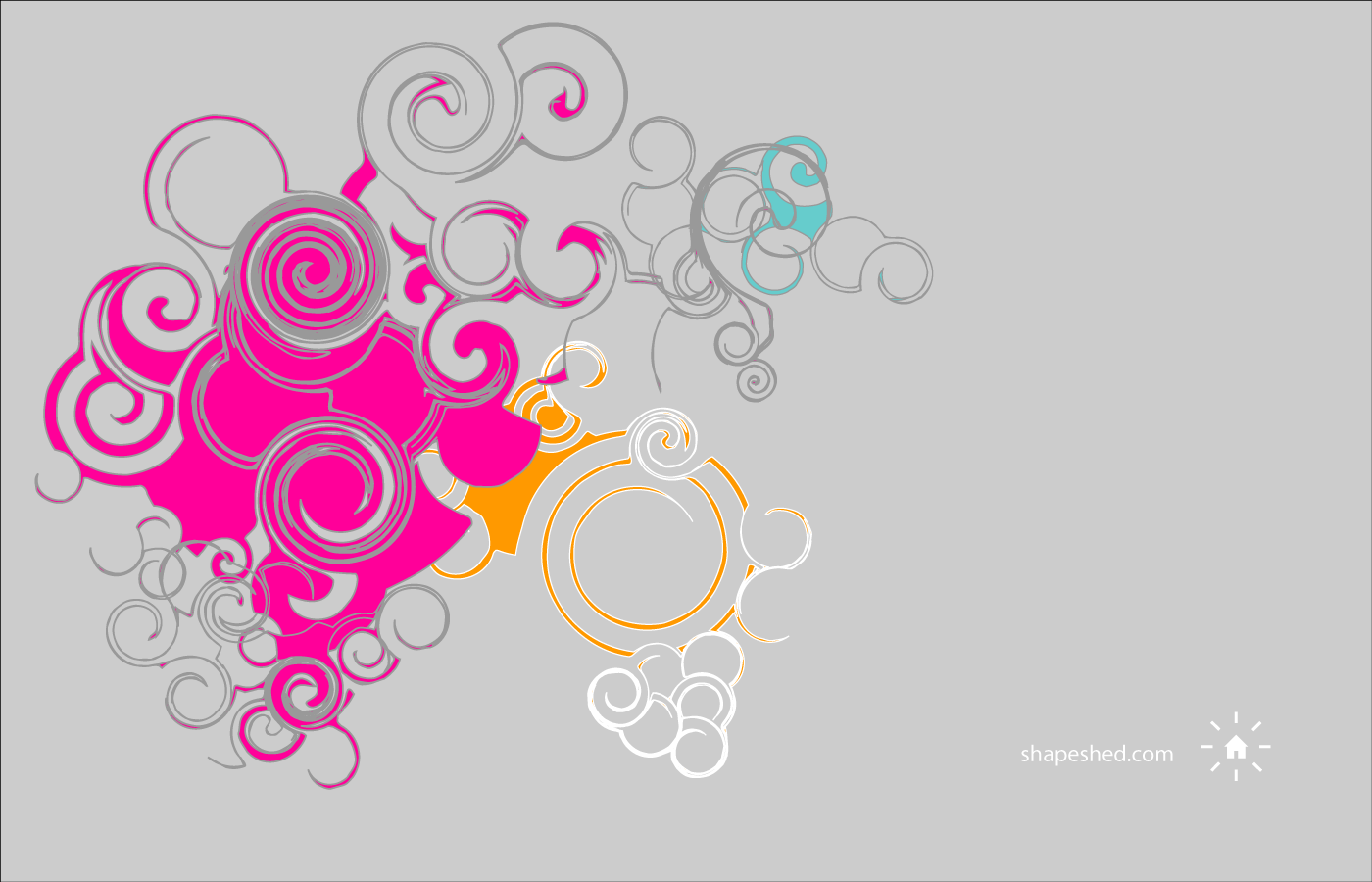
Here’s what we are going to get to. It is a simple wallpaper design.
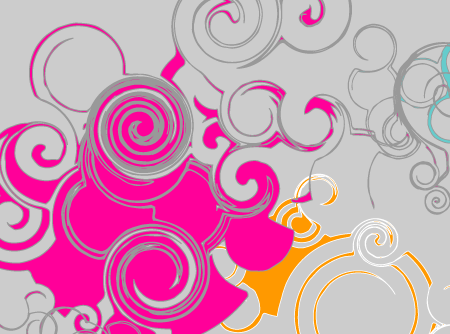
With the Twirl Tool the effect is very simple.
Using the twirl tool 
Simply draw a circle on the canvas and then select the Twirl Tool. This is tucked away within the Warp Tool.
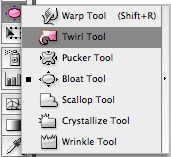
Hover over the edge of the circle and then click and hold. The longer you hold your click the more the shape will twirl. You will see a Twirl created on the edge of the circle like this:
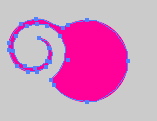
Repeat the process over and over and you start to build up complex shapes. To vary the options double click on the tool in the toolbar. You will see this:
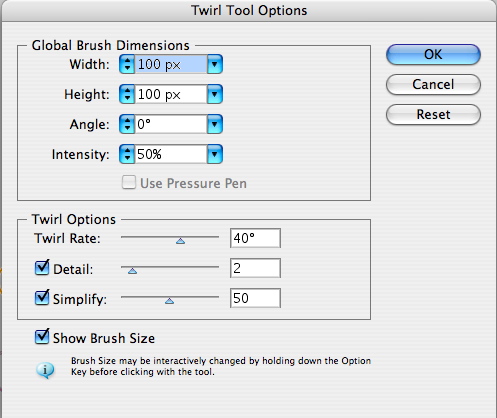
This allows you to control the twirl and how big it is and at what angle it is drawn. Play around with the options - sometimes it can look really bad but other times you will get it right.
If you select multiple objects on the canvas you can twirl them together - the tool will blend the shapes for you.
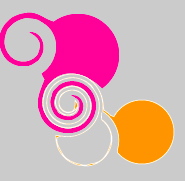
So in no time you can create something like this.
If you’d like to have the desktop you can get a copy for your screen resolution below:
Tags
Can you help make this article better? You can edit it here and send me a pull request.
See Also
-
Illustrator 101 - The Blend Tool
The blend tool is a great way to build out shapes and design elements in Illustrator. Here's a quick overview of how it works and some techniques to apply. -
Illustrator 101 - Opacity Masks
Opacity Masks are all over the web. Here's a short tutorial on how they work in Illustrator and how you can use them in your designs. -
Glossy badges in Illustrator
The star tool and opacity masks make it easy to make eye-catching glossy badges for websites and user interface designs. Here's an example of how to do it, including a downloadable Illustrator file to work with.